 [1]
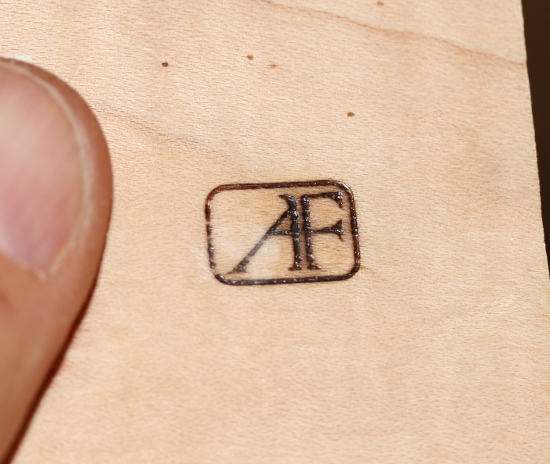
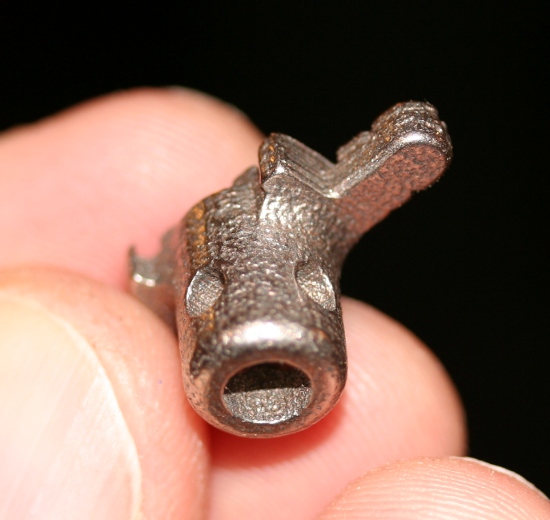
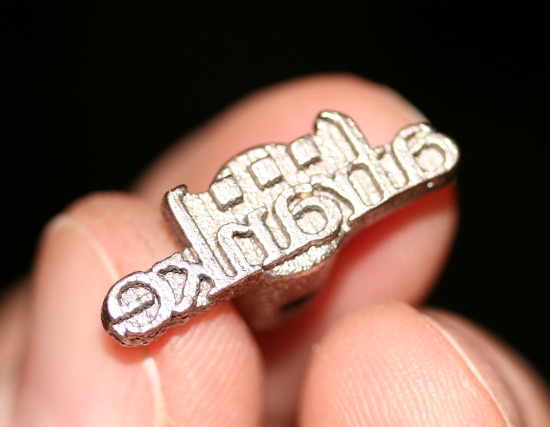
[1]Some woodworkers like to leave their mark on their work using a branding iron, but at roughly $190 per iron [2], it can really be quite an investment. I took a less expensive route, using some free software, and a genius 3D printing service called Shapeways.com [3].
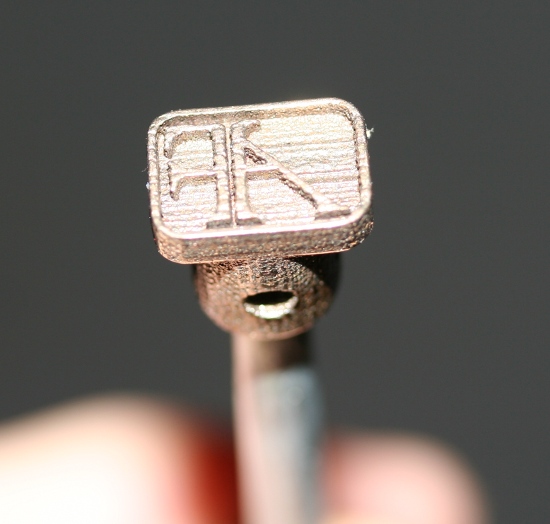
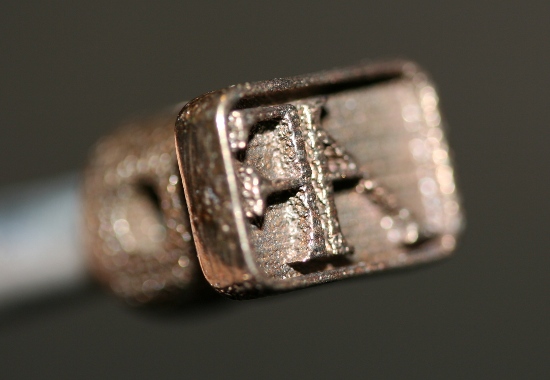
I started by drawing up a couple of logo ideas in Inkscape [4], a free vector graphics application. I exported by design from Inkscape and imported it into Alibre Design [5], which is a fantastic parametric 3D modeling application that happens to be available for free in a feature-limited version. Once I was satisfied with the 3D model, I exported again, uploaded the file to Shapeways, and “printed” it in stainless steel. The total cost for the “AF” design was $6, and only $7.40 for the larger name logo.
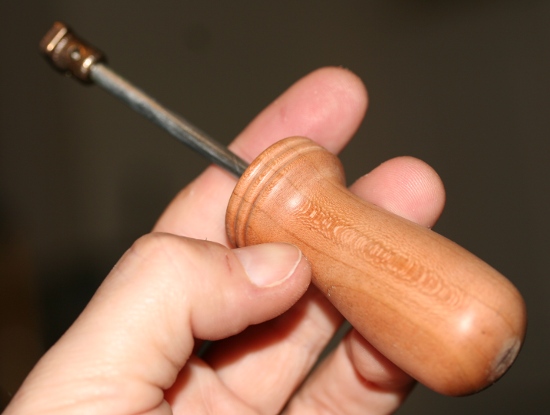
I tapped the back of the iron and threaded a short section of 3/16″ steel rod, and inserted it into a little handle that I turned out of some scrap cherry. After a couple of test burns, I was pretty happy with the result. Next I’ll try sanding it down a bit to see if I can make it even cleaner.
Update: I’ve added a step-by-step tutorial on how I made these: Making the $6 Branding Iron, Step-by-Step [6]. There’s also a video on how to use it here: Using the Custom Branding Irons [7].
 [8]
[8]
 [9]
[9]
 [10]
[10]
 [11]
[11]
 [12]
[12]
 [13]
[1]
[13]
[1]